Sharkour
A downloadable game for Windows
Sharkour is the first game by Team Sharks - and our GMTK Game Jam 2025 submission.
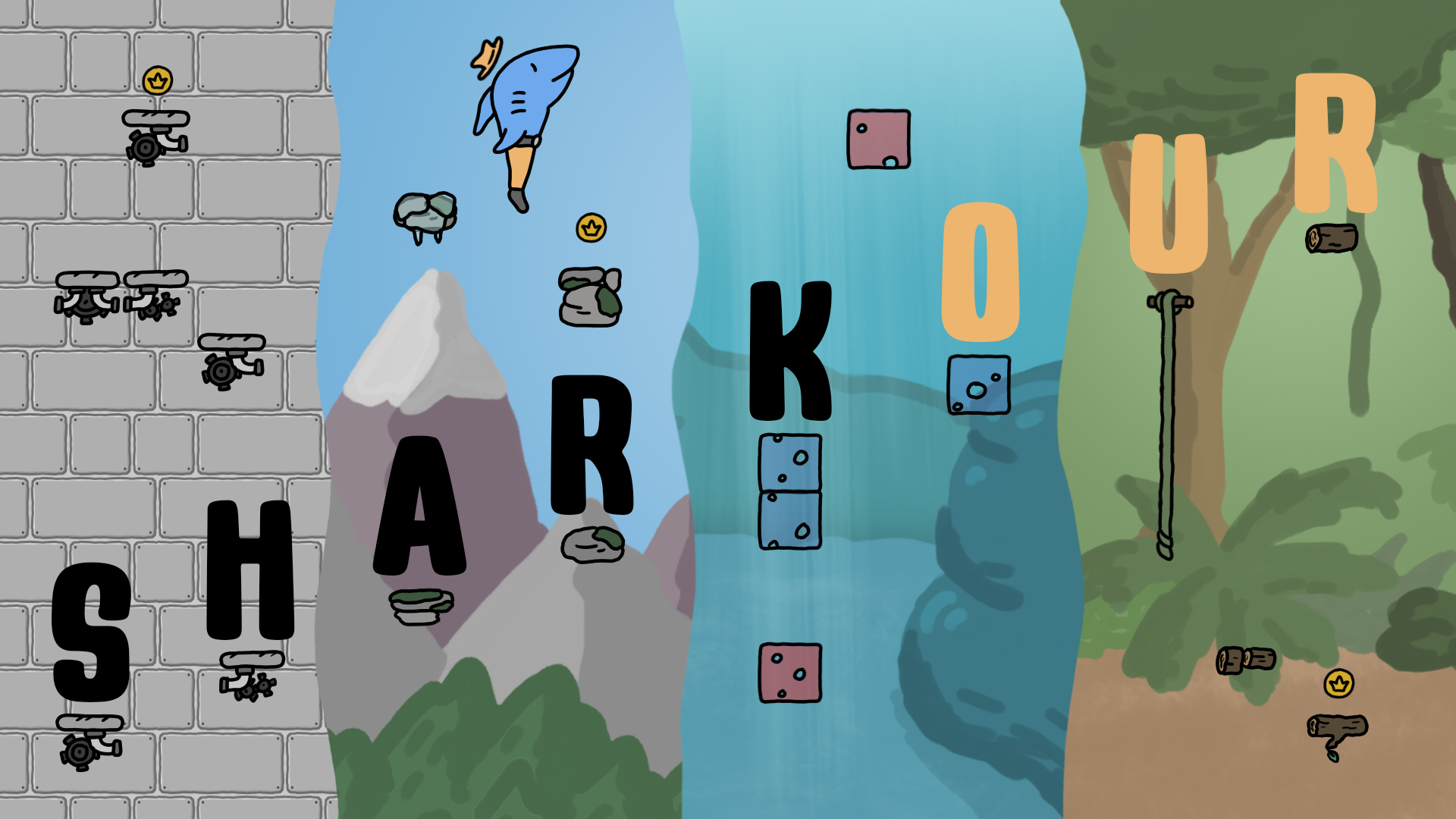
You play as The Shark - half shark, half man, and 100% legend. Navigate through a single stage in 4 loops, each time your conditions are different. Your goal? Collect all 20 coins, 5 per loop. After 5 coins are collected, a Warp is created. Touching the warp will reset the loop and turn the stage on its head.
The Testing Room
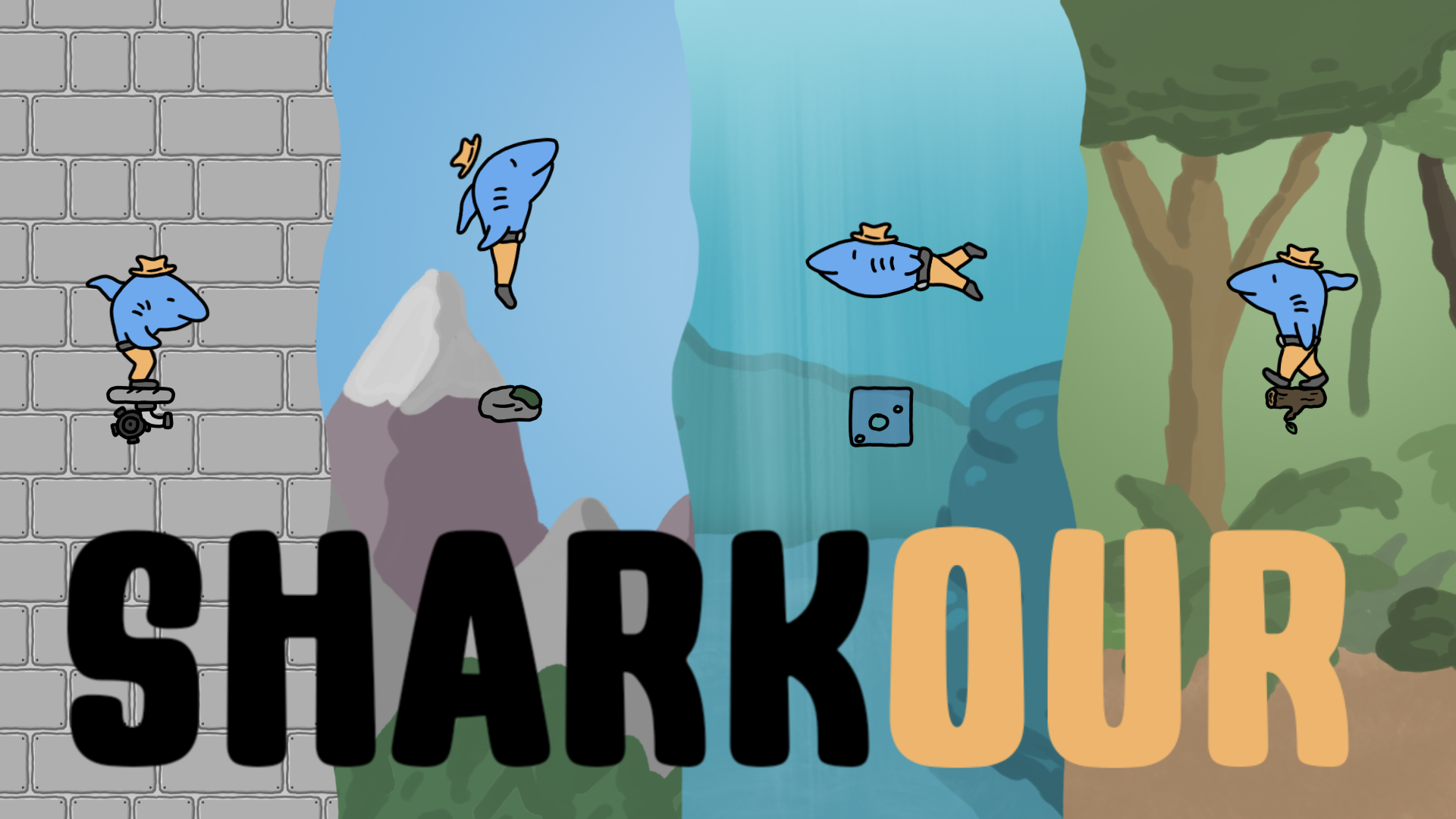
The Testing Room is the most basic of them all. It allows you to get used to the controls, which are very simple: walk right with D, walk left with A, and jump with W or SPACE.
The Mountains
In the second loop you get to the mountains. The winds here are strong and will blow you away. The temperature is very low around these parts - some blocks are covered in ice. Ice blocks are very slippery, but make your max speed significantly higher, allowing you to jump quite a bit further.
The Ocean
Ah yes, the natural environment of every shark, even The Shark. In this loop, you can swim, making you able to reach previously unseen heights, but the controls are significantly more difficult. Blocks have 2 colors now - blue waters are safe to swim through, but red waters will send you back to the start.
The Jungle
There are 2 new interactable objects in the final loop. Number one: lianas allow The Shark to climb up - without the dangers of red waters. Number too: if The Shark jumps on top of rotten wood (easily recognizable for their lighter color), he will eventually break through.
Who are we?
We are a group of friends from the Czech republic. We have recently (mostly successfully) finished high school and next year we are starting university. GMTK Game Jam 2025 is just our second project together, with hopefully more to come.

Credits
Art and Music: Jindřich Horák @jih.jindrichhorak
Level Design: Jan Dresler @jan_dresler_05
Programming: Martin Gardea @martin_gardea_
Download
Install instructions
Download the installer and follow the instructions it gives you.
Leave a comment
Log in with itch.io to leave a comment.